
I created Monolith: a connected workspace for everyday work
Monolith brings documents, projects, connected databases, calendars, and dashboards into a self-hosted workspace. Here is what I built and how the pieces connect.
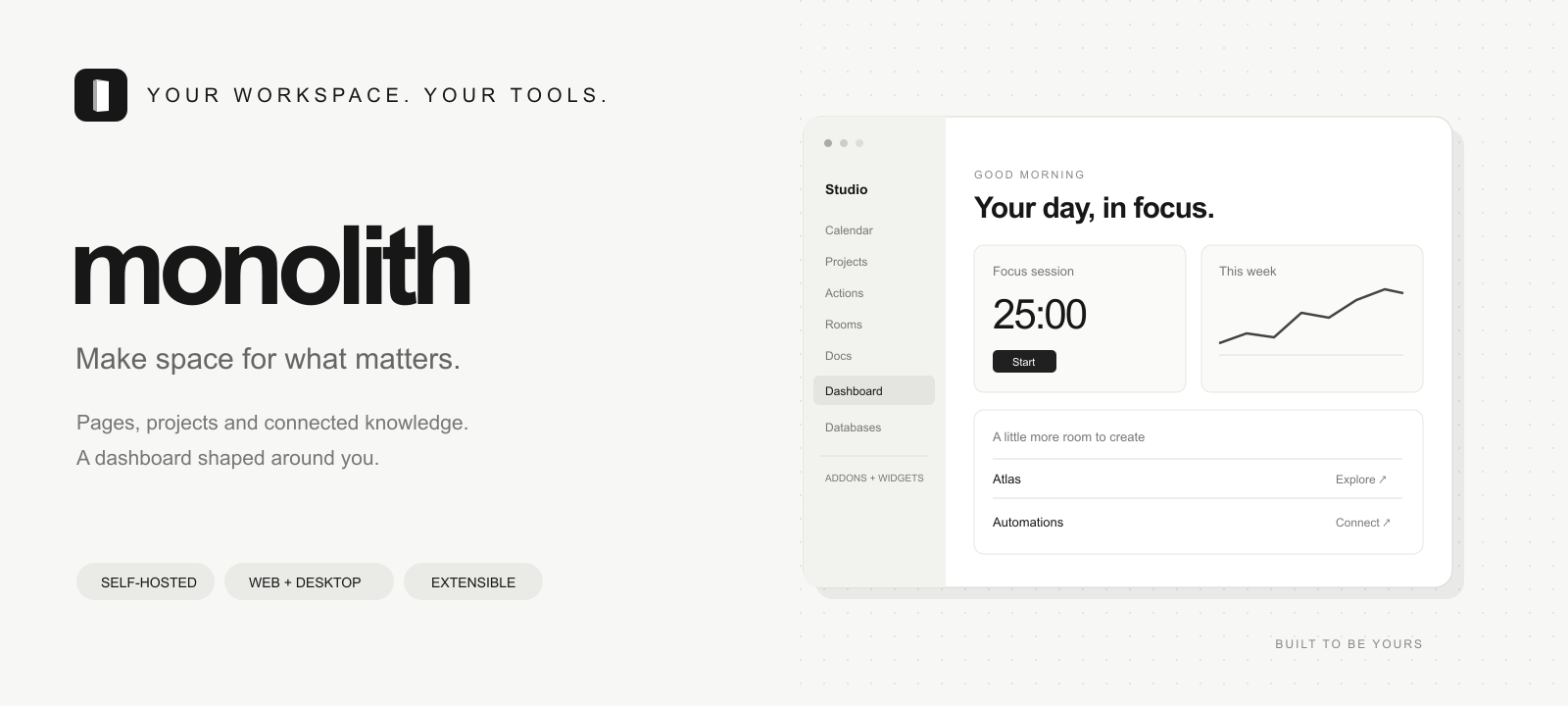
One workspace, connected records
I created Monolith to keep knowledge and the work around it together. A document can lead to a project, a task, or a dated record without becoming another disconnected copy. Pages, databases, boards, calendars, and dashboards are different views of the same workspace.
Built for the browser and desktop
The shared React workspace connects to a Go gateway and a private TypeScript API, backed by PostgreSQL. Windows uses Tauri and WebView2; macOS uses AppKit and WKWebView. The BlockSuite and Yjs editor saves documents with revision checks to protect newer changes.
Tools that fit the work
Optional addons and widgets extend the workspace. An MCP bridge and JSON CLI connect coding agents to pages, records, projects, tasks, and calendar events. The bridge starts with read access; writes require explicit enablement and still follow account permissions.
Explore Monolith
The repository contains the implementation, product documentation, desktop clients, and self-hosting instructions. It also documents the boundaries: document recovery is not a promise of general offline sync or simultaneous collaborative editing.